How to Manage All Your Incoming Leads in One Place with TapMo
A new lead deserves a clear next step.
When contact details sit across notebooks, phones, emails, and chat apps, follow-ups become difficult. TapMo brings inquiries from your digital business card into one central lead dashboard.
You can review details, filter leads, update statuses, and export information from one place.
No scattered notes. No guessing who needs attention.
Why scattered leads create missed opportunities
Networking creates momentum.
That momentum fades when you store every new contact differently. One person may save a phone number. Another may write a name in a notebook. Someone else may leave a message inside a social platform.
This creates several problems:
- You forget where a contact came from.
- You lose important details from the conversation.
- You cannot see which leads need attention.
- You delay responses while searching for information.
- You duplicate contacts across different tools.
- You struggle to understand your overall lead activity.
A lead becomes harder to manage when its information stays fragmented.
The issue does not always involve a lack of effort. Often, you simply lack one reliable place for every inquiry.
What should a centralized lead system help you do?
A useful lead management system should make your next action clearer.
It should help you answer simple questions:
- Who contacted me?
- What information did they share?
- Which inquiry needs attention first?
- What happened after the initial contact?
- Which leads should I review again?
- Where can I find all incoming inquiries?
You do not need a complicated process to start.
You need one consistent location for incoming leads. You also need a habit of reviewing that location regularly.
A centralized lead dashboard gives you that foundation.
Why a lead dashboard matters after contact capture
Your digital business card starts the conversation.
Your lead dashboard helps you manage what happens next.
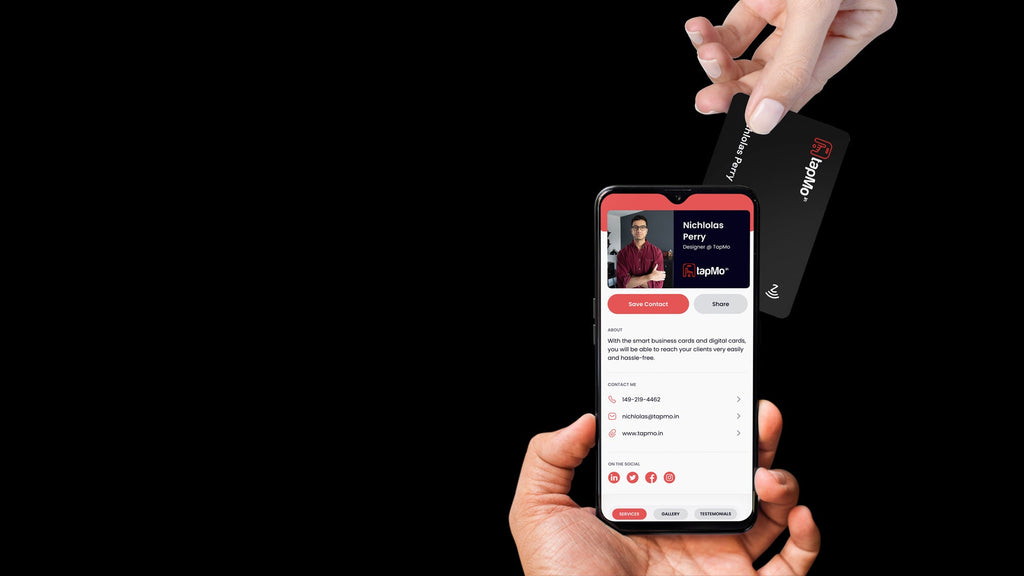
A person may open your digital profile and submit an inquiry through its Lead Form. They may share their name, email address, mobile number, company, and message.
That information has value only when you can find and act on it later.
A lead dashboard keeps those inquiries together. You can review each record without checking multiple notebooks or inboxes.
This creates a simple flow:
- You share your digital business card.
- Someone opens your profile.
- They submit an inquiry.
- You review the lead inside TapMo.
- You filter and organize the lead list.
- You update each lead’s status.
- You export lead data when needed.
The process turns contact capture into lead management.
How TapMo keeps incoming leads together
TapMo connects your digital profile with a centralized dashboard.
Your profile gives people a clear way to learn about you and contact you. The dashboard gives you one place to review the inquiries that follow.
The Leads section lets you:
- Review incoming lead details.
- Filter the lead list.
- Update a lead’s status.
- Export lead data.
This workflow helps you move beyond collecting contacts.
You can see your inquiries together and decide what needs attention next.

What information should you review first?
Start with the details that help you understand the inquiry.
Look for:
- The person’s name.
- Their email address.
- Their mobile number.
- Their company.
- Their message.
The message often provides the most useful context.
It may explain what the person wants, what service they need, or why they contacted you. Read it before sending a generic response.
A short review can improve the quality of your follow-up.
It also helps you separate urgent inquiries from general interest.
How to manage incoming leads in TapMo
Use this practical workflow after you receive new inquiries.
1. Open your TapMo dashboard
Start from the dashboard connected to your digital profile.
The dashboard brings your card management, leads, and other profile tools together. You do not need to search through separate systems for your incoming inquiries.
If you have not created your profile yet, follow the TapMo digital business card setup guide.
2. Open the Leads section
Select Leads to view inquiries collected through your digital profile.
This gives you a single list to review. You can focus on the people who contacted you instead of searching through separate notes.
The list becomes your central starting point for lead management.
3. Review each lead’s details
Open a lead and check the available information.
Read the message carefully. Confirm the contact details. Notice any information that helps you understand the person’s needs.
This step gives every follow-up more context.
It also helps you avoid asking questions the person already answered.
4. Filter the lead list
Use filters to narrow the list when you need a specific view.
You may want to focus on a particular group of leads or review only the inquiries that match a certain status.
Filtering becomes especially useful as your number of leads grows.
Instead of scanning every record, you can work through a smaller, more relevant list.
5. Update the lead status
Update a lead’s status as your conversation progresses.
A status gives you a quick view of where each inquiry stands. It also helps you separate new attention points from leads you have already reviewed.
Keep the status current after important interactions.
A lead list becomes more useful when it reflects your latest progress.
6. Export your lead data when required
TapMo lets you export your lead data from the Leads section.
Exporting can help when you need to review records outside the dashboard. It can also support reporting, handovers, or backup processes.
Use exports carefully.
Keep your working lead information organized and protect contact details according to your internal policies.
How can you build a better follow-up habit?
A dashboard helps you organize information.
Your routine turns that information into action.
Try this simple review cycle:
Review new inquiries regularly
Check your Leads section at a consistent time.
You might review it at the start of each workday. You might also check it after an event, meeting, or campaign.
Regular reviews reduce the chance of leaving a new inquiry unnoticed.
Read before responding
Avoid sending the same message to everyone.
Use the lead’s message to understand the context. Then respond to the person’s actual interest.
A relevant response feels more useful than a standard introduction.
Update the status after action
Change the lead’s status after you respond or continue the conversation.
This keeps your lead list accurate. It also helps you identify inquiries that still need attention.
Small updates prevent larger tracking problems later.
Keep your profile information current
Your digital profile shapes the first interaction.
Review your contact information, social links, services, and Lead Form from time to time. Update anything that no longer reflects your work.
The TapMo digital profile customization guide explains how to update these sections.
A clear profile can help people submit more useful inquiries.
What mistakes should you avoid?
Centralized lead management works best with a few simple habits.
Avoid these common mistakes:
- Leaving lead statuses unchanged.
- Ignoring the message attached to an inquiry.
- Exporting data without reviewing it.
- Creating separate personal lists for the same leads.
- Waiting too long before checking new inquiries.
- Treating every lead the same way.
- Letting your profile show outdated information.
Do not overcomplicate the process.
Capture the inquiry, review the details, update its status, and follow up consistently.
How does the TapMo dashboard fit into your workflow?
The TapMo dashboard gives you more than a place to edit your digital card.
It connects your professional profile with the tools you use after sharing it. You can manage your card, review leads, and monitor activity from the same platform.
The TapMo dashboard guide explains how these features work together.
This matters because your digital business card should support the full networking journey.
The interaction does not end when someone taps your card or opens tapmo.io/yourname.
That moment starts a relationship.
Your lead dashboard helps you keep that relationship visible and organized.

When should you start using centralized lead management?
Start before your lead volume becomes difficult to control.
You do not need hundreds of inquiries to benefit from one organized system. Even a small number of leads can become difficult to track when you store them across different places.
A centralized workflow gives every inquiry a clear home.
It also creates a repeatable process for future networking:
- Share your digital business card.
- Let people contact you through your profile.
- Review incoming inquiries in Leads.
- Filter the list when needed.
- Update each lead’s status.
- Export information when required.
- Continue the conversation with better context.
You can create your profile, share it through an NFC card or QR code, and manage the resulting inquiries from TapMo.

A scattered contact list makes follow-up harder than it needs to be.
A centralized lead dashboard gives you clarity, consistency, and control. It helps you turn incoming inquiries into organized business opportunities.
Your networking workflow becomes clear, focused, and consistently manageable.
— Metadata for Shopify (copy these into the Shopify fields) —
SEO Meta Title: Manage Incoming Leads in One Place with TapMo
SEO Meta Description: Scattered notes make follow-up harder than it needs to be. Learn how the TapMo leads dashboard centralises every inquiry from your digital business card.
Shopify Excerpt: Leads stored across notebooks, inboxes and chat apps are easy to lose. This article explains how the TapMo leads dashboard centralises every inquiry from your digital business card. Learn to filter records, update statuses and export data from one place.